Chrome extension for bloggers

Thumbnails, topics and drafts —
without leaving your editor

Blog Booster opens as a side panel next to your blog editor. Instead of juggling an image editor, an AI chat and a trends site in separate tabs, you finish everything a post needs in one place.

Coming soon to the Chrome Web Store See the features

Free · No sign-up · 3 free uses a day

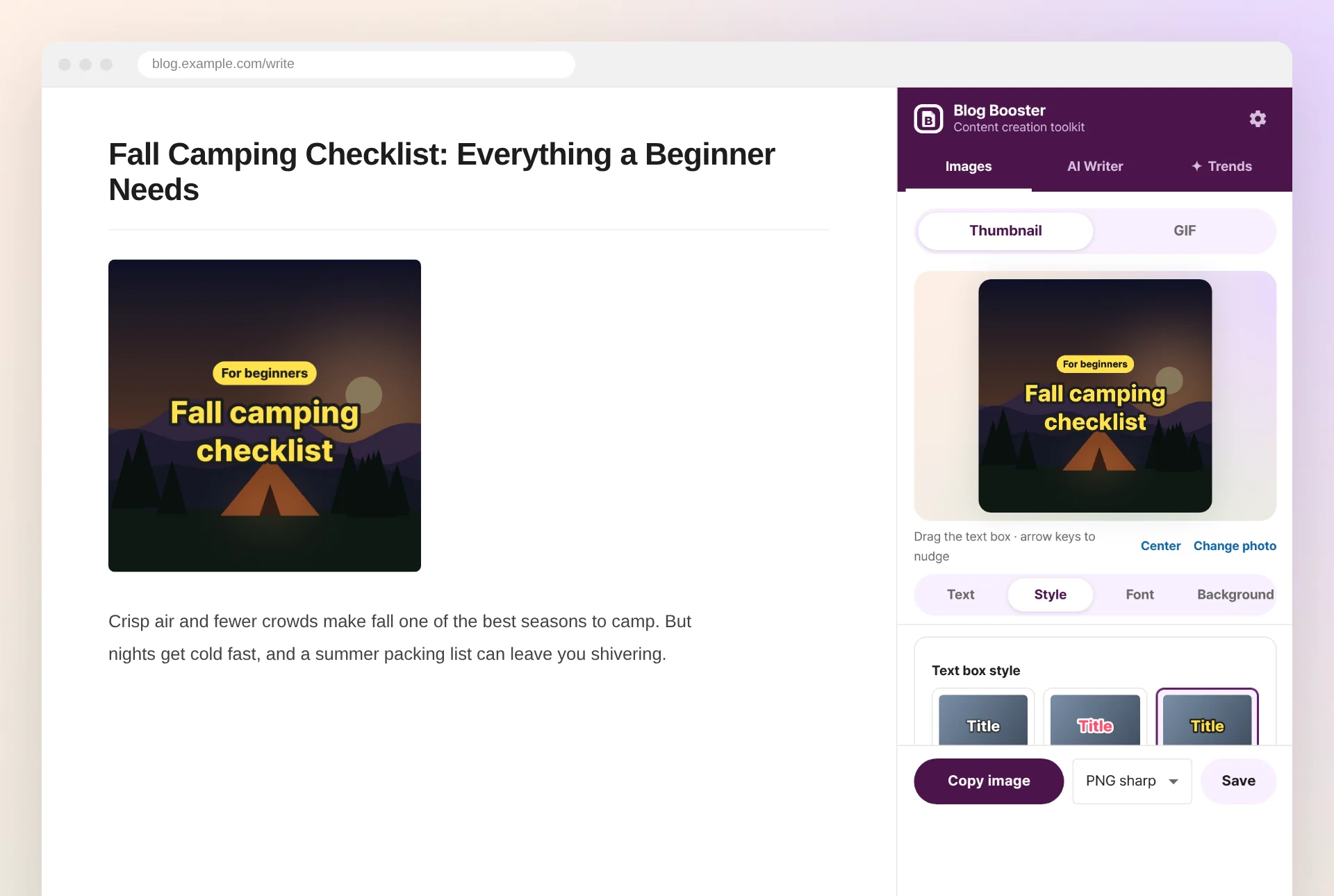
The Blog Booster side panel showing the thumbnail editor
13thumbnail text box styles
10fonts free for commercial use
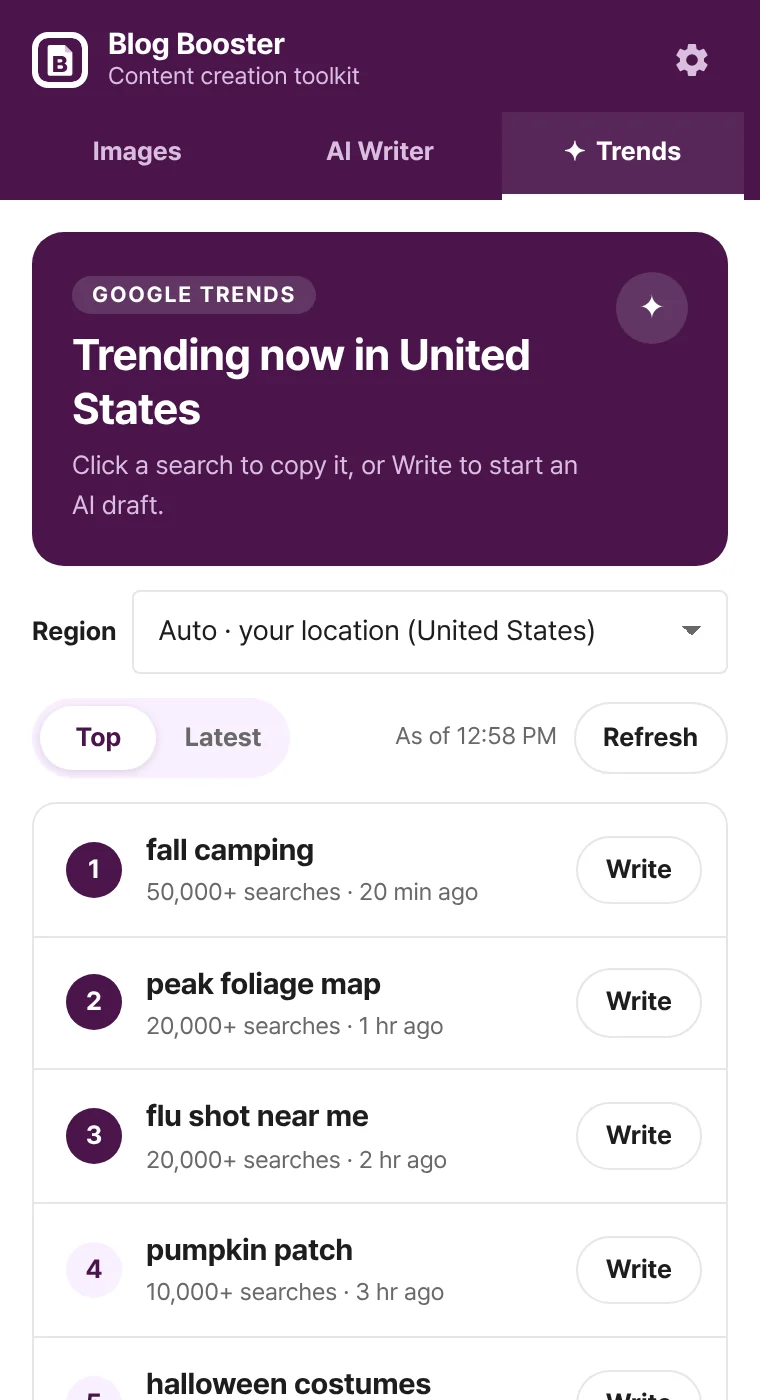
45countries of live Google Trends
0always-on page scripts

Four tools for every post

Each tool follows the way a blog post actually gets made.

Thumbnail maker

Eye-catching square thumbnails in a minute

Drop in a photo or paste a copied image, type a title, and you get the kind of thumbnail that stands out in blog feeds and search results.

  • 13 text box styles — sticker, highlighter, letter tiles, info bar and more — each with matching colors
  • 10 fonts licensed for commercial use (SIL OFL), including Korean display fonts
  • Drag the text box anywhere, with center snapping and arrow-key nudging
  • 1:1, 4:3 or original ratio, photo darkening, readability boost, PNG/WebP export and clipboard copy
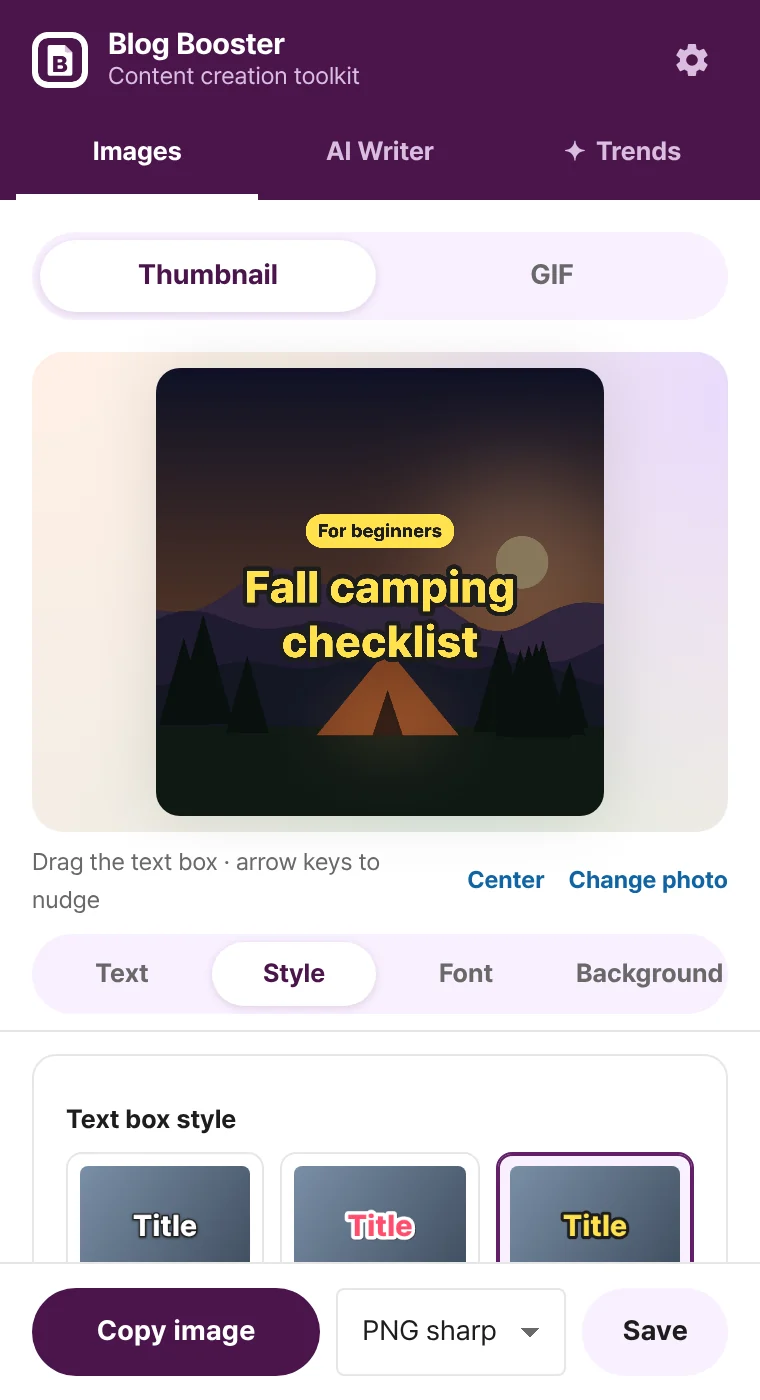
Thumbnail editor with a large title over a photo and the text box style list
AI writer

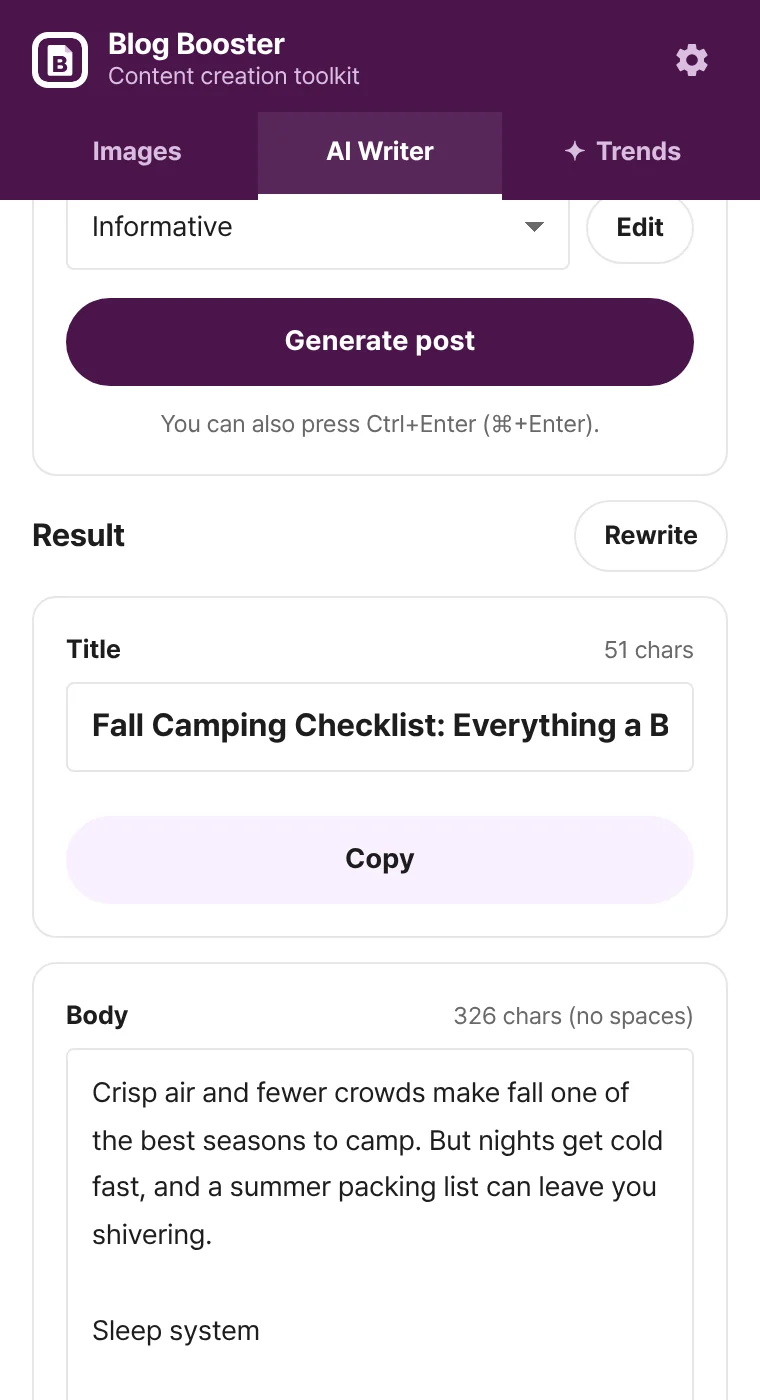
Type a topic, get a title and a body

Google Gemini drafts your post. The result always comes back as a separate title and body, ready to copy into any blog editor.

  • Save post formats (structure, tone, length) and reuse them — informative and review formats included
  • Copy the title and body with one click each and paste them into any blog editor
  • Runs on your own Gemini API key — start on the free tier; the key stays in your browser
  • Clear explanations and fixes for errors like quota limits or invalid keys
AI writer tab showing a generated title and body with copy buttons
GIF maker

Turn photos or a short clip into a GIF

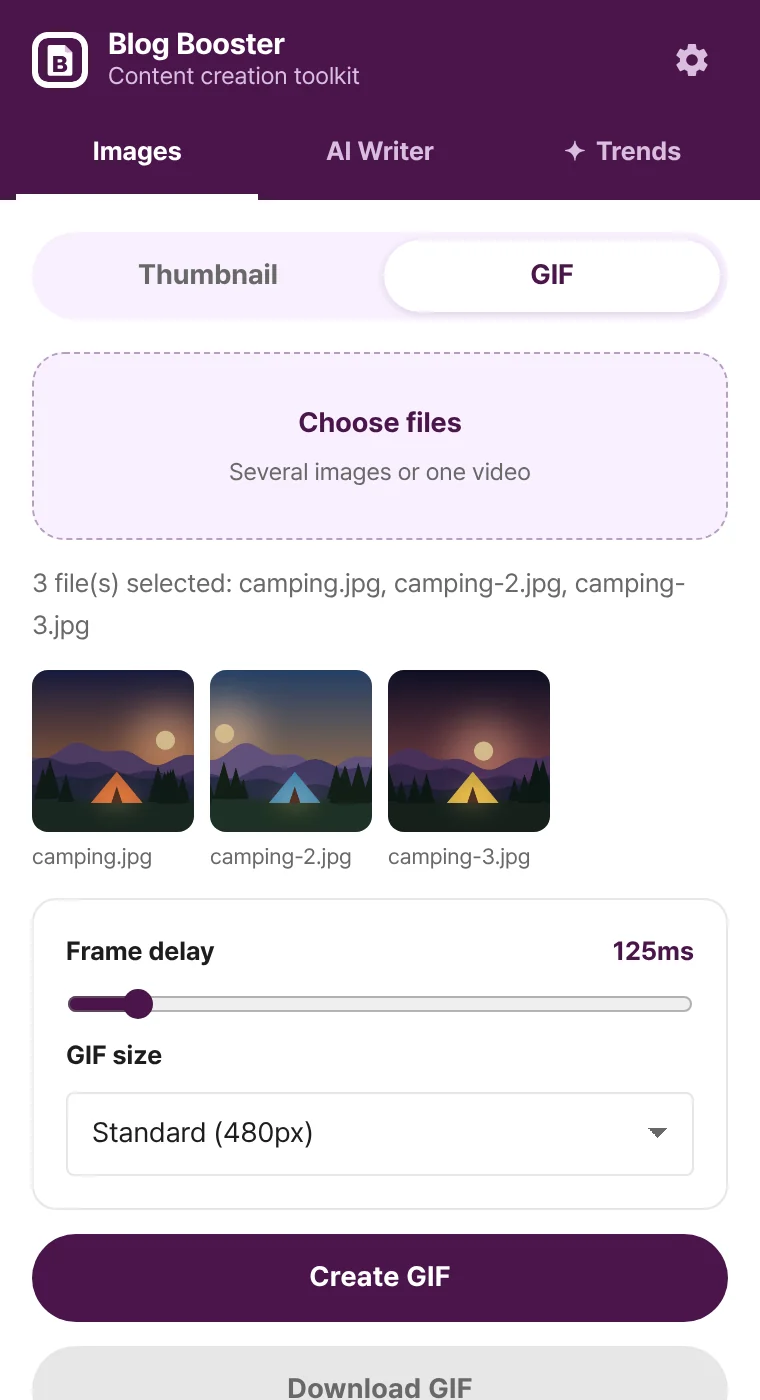
Show a product in action or a recipe step by step without installing anything. Every conversion happens on your own computer.

  • Convert up to 60 images or one video into a GIF
  • Adjust frame delay and size (320–1080px)
  • Files never leave your browser
GIF maker with selected images and size options

Screenshots show the real extension with sample data.

Made for everyday use

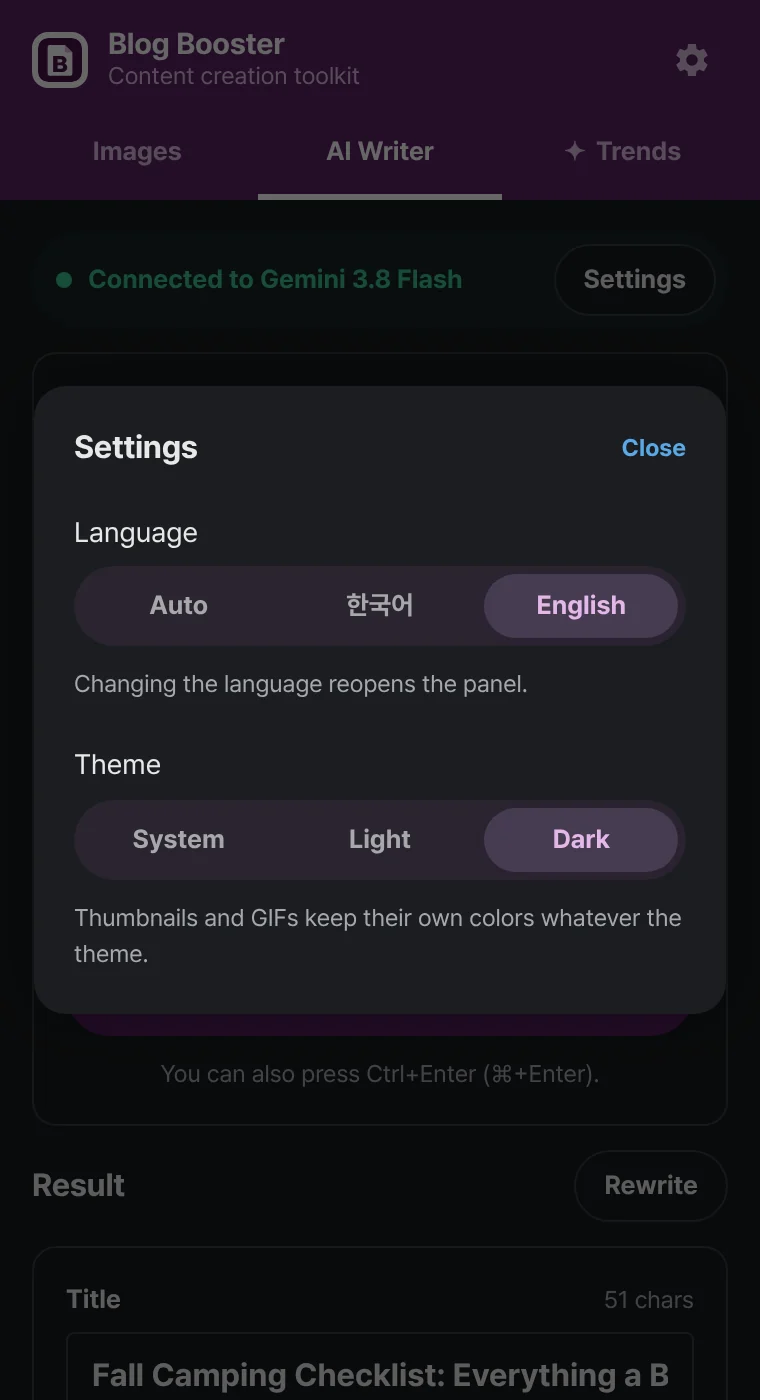
Dark mode

Follow your system or choose light or dark. Your thumbnails keep their own colors.

Korean · English

The language follows your location and can be changed any time in settings.

Remembers your setup

Your last text box style, font and post format are waiting next time.

Minimal permissions

It never injects scripts into your blog or other pages — everything runs inside the side panel.

Blog Booster settings shown in dark mode

How to get started

  1. Install

    Add Blog Booster from the Chrome Web Store.

  2. Open the panel

    Open your blog editor and click the Blog Booster icon in the toolbar.

  3. Create and paste

    Save a thumbnail, paste the draft into your editor, then make it yours with your own experience and photos.

Pricing

The core features are free. Go further only when you want to.

Free

$0

  • 3 image creations a day (thumbnails + GIFs)
  • 3 AI drafts a day
  • Unlimited trends
  • Resets daily at midnight KST

Ad pass

Watch one ad

  • Everything unlimited for 24 hours
  • Up to 2 a day; a second pass extends the time
  • No payment details needed

Subscription

₩1,500 / month

  • Always unlimited
  • No ads
  • Coming soon

The AI writer uses your own Gemini API key. Within Google’s free tier limits it costs nothing.

Your data stays in your browser

  • Your Gemini API key, editor settings and post formats are stored only in this browser’s extension storage.
  • Our server keeps only an anonymous user ID, daily usage counts and pass status — never your posts or photos.
  • Thumbnails and GIFs are made entirely on your computer.
Read the privacy policy →

Frequently asked questions

Is it really free?

Yes. Image creation and AI drafts are free 3 times a day each, and trends are unlimited. Watching one ad unlocks everything for 24 hours.

Do I need an account?

No. Install it and start. An anonymous ID is created automatically to count free uses — we never ask for your email or name.

Does the AI writer cost money?

You connect your own Gemini API key from Google AI Studio. You can start on the free tier; per-model free limits are listed in AI Studio.

Which blogs does it work with?

Any blog — WordPress, Tistory, Naver Blog, Medium and more. Save thumbnails and GIFs as images, and copy AI drafts into your editor with the copy buttons.

Can I use the fonts commercially?

Yes. All 10 bundled fonts use the SIL Open Font License, so thumbnails you make can be used without restriction.

Which browsers are supported?

Chrome 114 or later, since it uses Chrome’s side panel. Other Chromium browsers depend on their side panel support.

Make your next post with Blog Booster

Installing takes ten seconds. Your first thumbnail takes a minute.

Coming soon to the Chrome Web Store